
Winlator makes it possible to play real Windows PC games on Android, not just mobile ports. Some classic titles run especially well because they were designed for much weaker hardware than modern phones, which makes them perfect candidates for smooth emulation on mid‑range devices.
This list focuses on classic PC games that have been repeatedly confirmed to work well on Winlator by YouTube tests and community reports, with realistic settings suggestions.
For each game, always use legally obtained copies (for example GOG or Steam) and follow the publisher’s terms.
1. Half‑Life (1998)
Half‑Life is one of the best entry points into Winlator: light on resources, stable, and still an excellent FPS.
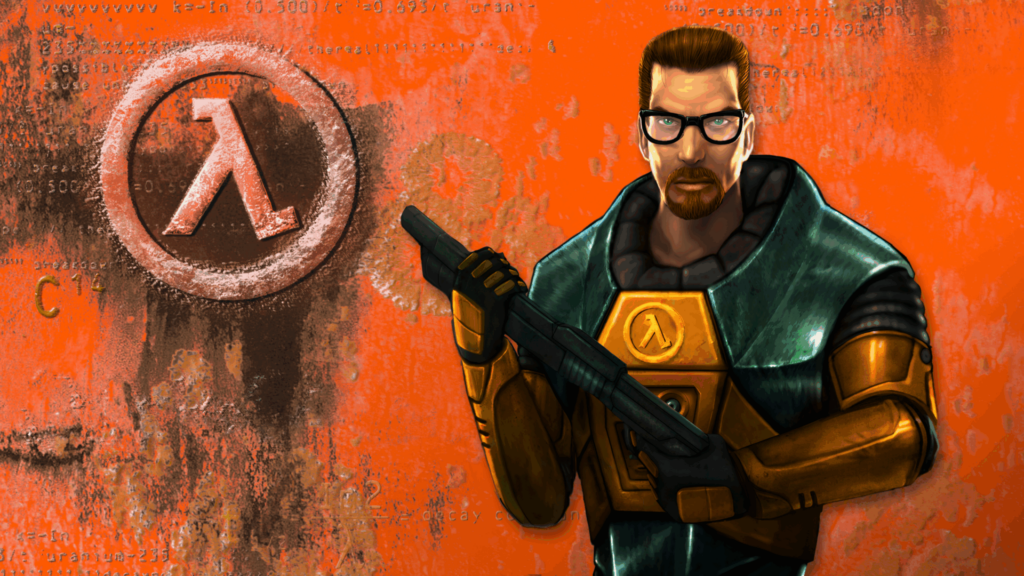
- Why it’s great for Winlator
- Typical performance
- Suggested settings
- DirectX 9 / WineD3D or DXVK.
- Resolution around 800×600 for weaker devices; 1024×768 if you have headroom.
2. Age of Empires II (1999)
Age of Empires II and its expansions remain extremely popular, and Winlator handles them very well on modest hardware.

- Why it’s great for Winlator
- Typical performance
- Suggested settings
- 800×600 or 1024×768 resolution.
- In‑game graphics on default/low; limit large population mods on low‑end devices.
3. Need for Speed: Most Wanted (2005)
Among classic NFS titles, Most Wanted (2005) is one of the best‑tested games under Winlator.

- Why it’s great for Winlator
- Typical performance
- Suggested settings
- DX9 via DXVK where available; otherwise WineD3D.
- Resolution 800×600 or 960×544 for smooth racing.
- Medium/low effects; disable or reduce motion blur and extra post‑processing.
4. Max Payne (2001)
Max Payne’s bullet‑time gunplay still feels excellent on a phone, and its age makes it a good fit for Winlator.
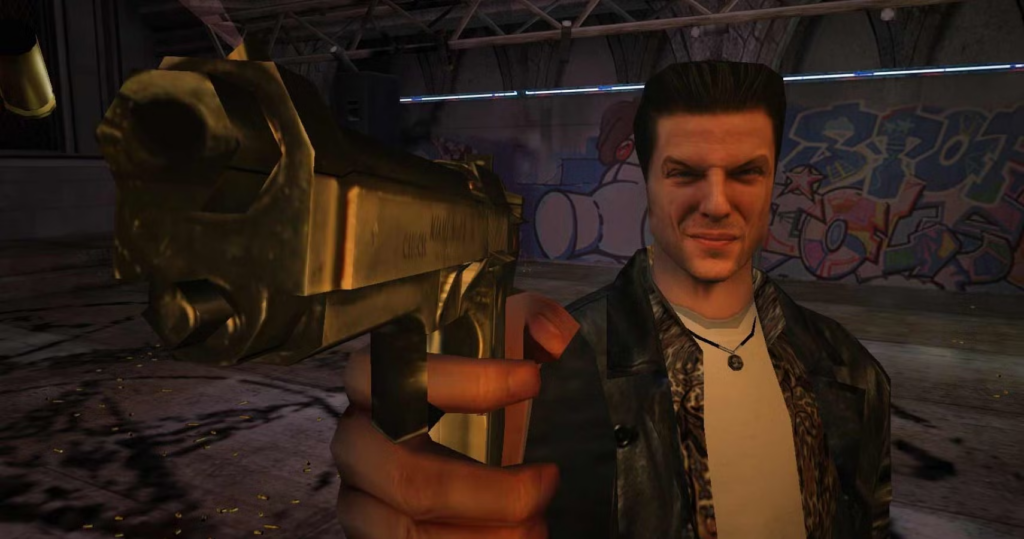
- Why it’s great for Winlator
- Typical performance
- Suggested settings
- DX9 / DXVK or WineD3D.
- 800×600 resolution to keep frame times low.
- Turn off anti‑aliasing and heavy effects for consistent smoothness.
5. Grand Theft Auto: Vice City (2002)
Vice City’s open‑world 80s setting works well in Winlator, especially if you tune the settings.
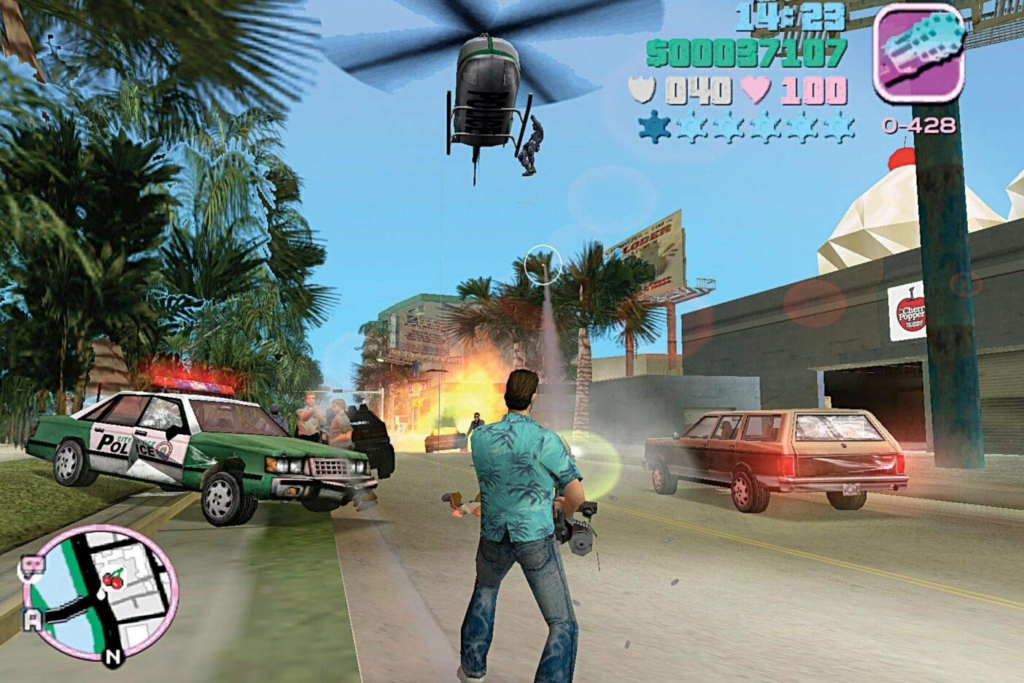
- Why it’s great for Winlator
- Typical performance
- Suggested settings
- 800×600 or 960×544 resolution.
- Medium or low draw distance and effects.
- Use DXVK where stable; otherwise WineD3D.
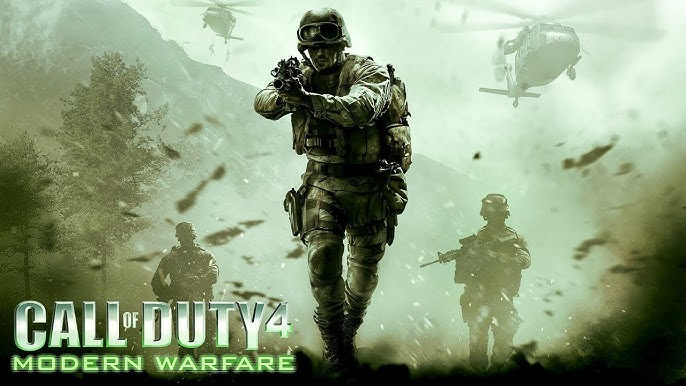
6. Call of Duty 4: Modern Warfare (2007)
Modern Warfare is heavier than the older titles above but still runs surprisingly well in Winlator on mid‑to‑high‑end devices.
- Why it’s great for Winlator
- Typical performance
- Suggested settings
- DX9 path (DXVK if supported, otherwise WineD3D).
- 600p–720p effective resolution; lower if you see stutters.
- Use medium/low textures and shadows.
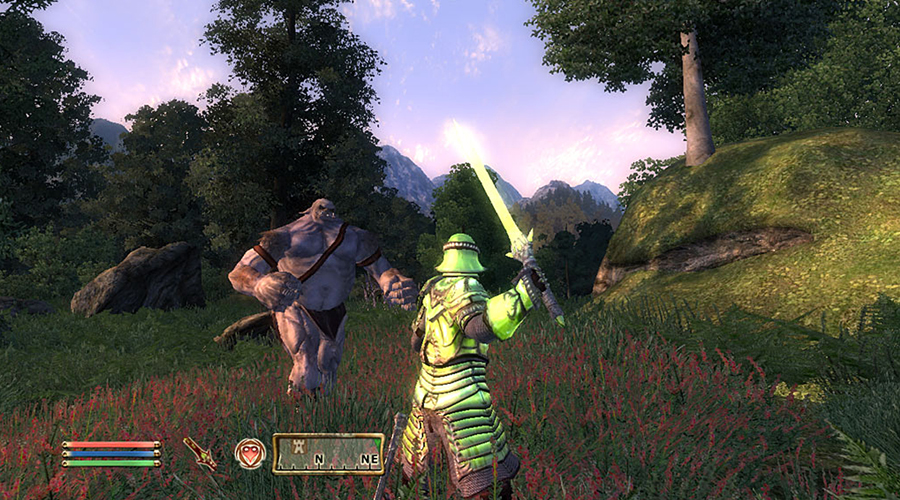
7. The Elder Scrolls IV: Oblivion (2006)
Oblivion is a more demanding classic, but it is regularly featured in Winlator test lists as playable with the right configuration.
- Why it’s great for Winlator
- Typical performance
- Suggested settings
- 800×600 or slightly above; avoid ultra‑high resolutions.
- Medium/low view distance, basic shadows.
- Prefer DXVK on Adreno; on Mali, stick to stable VirGL/WineD3D settings.
Other Classics Worth Testing
Community discussions and test videos in 2024–2025 frequently mention many other classic‑leaning games running well under Winlator, including:
- Warcraft III: The Frozen Throne
- Star Wars: Knights of the Old Republic (KOTOR 1 & 2)
- Prince of Persia: The Sands of Time / Forgotten Sands
- System Shock 2
- Devil May Cry 4
- Far Cry (original)
- Borderlands
If you cover additional games, link to your general “Best Games to Play on Winlator in 2025” article for readers who want heavier AAA recommendations.
How to Get the Best Results With Classic Games
To maximize success with these classics:
- Use a recent, stable Winlator build from official or trusted sources.
- Start at 800×600 resolution, then increase only if performance is good.
- Use DXVK for many DirectX 9 games on Snapdragon/Adreno; fall back to WineD3D or VirGL on Mali where DXVK is unstable.
- Close background apps and keep the device cool to avoid throttling, especially in long play sessions.
With careful settings and the right expectations, these classic PC games can run surprisingly well on Android through Winlator, turning your phone into a portable retro PC.