
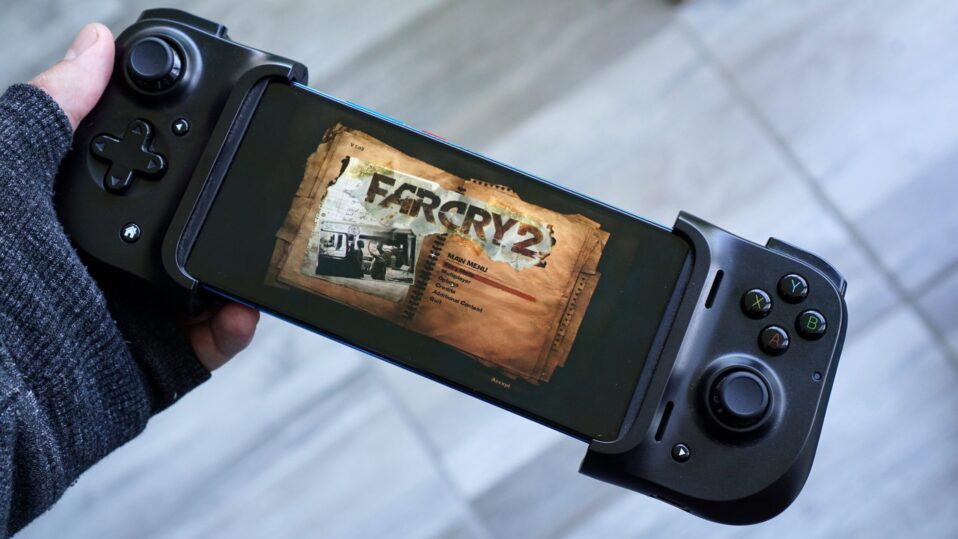
Running Windows games and apps on Android has become surprisingly practical in late 2025, thanks to rapid improvements in emulation technology. Tools like Wine, Box64, and Vulkan drivers now make it possible to play everything from classic titles to modern PC games on capable smartphones—without a PC.
After reviewing dozens of user reports from Reddit, YouTube benchmarks, and community forums, this guide ranks the top emulators based on real-world performance, ease of setup, game compatibility, and hardware support. The list prioritizes what actually works for most users on mid-to-high-end Android devices (Snapdragon preferred).
Key caveat: Success depends heavily on your phone’s SoC (Snapdragon Adreno > Mali/Exynos), RAM (6GB+ recommended), and game type. Not every title runs perfectly, but these emulators handle a wide range reliably.
1. GameHub (GameSir GameHub / GameFusion) – Best Overall for Beginners
GameHub tops most user recommendations for its dead-simple setup and polished interface. Users consistently praise how it handles game imports, Steam integration, and automatic optimization without manual tweaking.
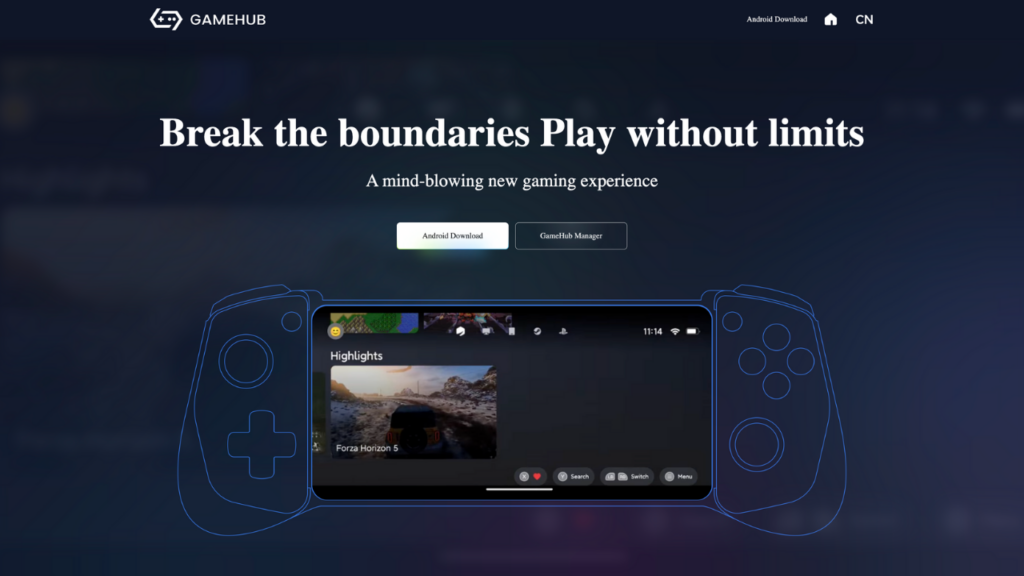
Strengths from user experiences:
- One-tap Steam login and game downloads—no need to sideload installers.
- Built-in performance scaling that adapts to your device (works well on Snapdragon 8 Gen 2/3).
- Surprisingly stable for GTA V, Watch Dogs 2, and lighter AAA titles at 30-60 FPS on flagships.
- Play Store version available (v5.x), with sideloading for full features.
- Weaknesses: Less customizable than pure emulators; Steam-focused workflow limits some DRM-free games.
- Best for: New users, Steam library owners, Snapdragon phones (8-12GB RAM).
- Download: Official site (gamehub.xiaoji.com) or trusted APK sources.
2. Mobox – Best Raw Performance (For Power Users)
Mobox earns its spot through sheer speed. Advanced users report 20-60% higher FPS than alternatives in demanding games, especially on Snapdragon 8 Gen 3 devices.
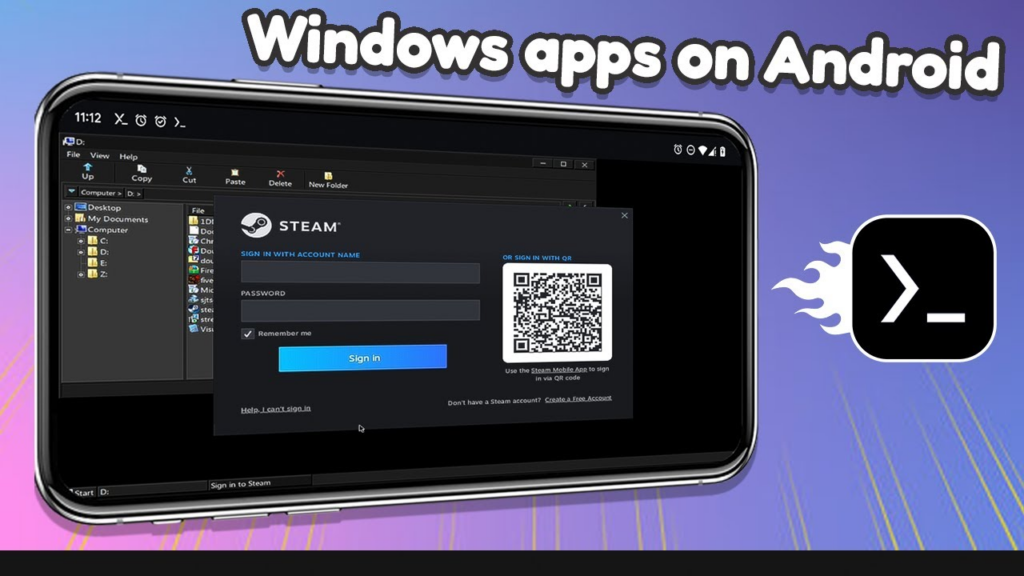
What users love:
- Termux + Box64/Wine combo delivers top benchmarks (e.g., smoother GTA V, NFS Hot Pursuit at 4K).
- Highly tweakable: custom Wine versions, DXVK configs, and CPU affinity for optimal results.
- Excellent for DRM-free titles from GOG; handles x86/x64 broadly.
- Drawbacks: Steep learning curve—expect 20-30 minutes of scripting and troubleshooting.
- Best for: Enthusiasts with Snapdragon flagships willing to configure.
- Download: GitHub (olegos2/mobox).
3. Winlator (Official + Forks like Frost/Ajay) – Best Balance of Ease and Features
Winlator sits comfortably in the middle: approachable UI with solid performance across Snapdragon devices. Community forks (Frost, Ajay, GlibC variants) push compatibility further for specific games.
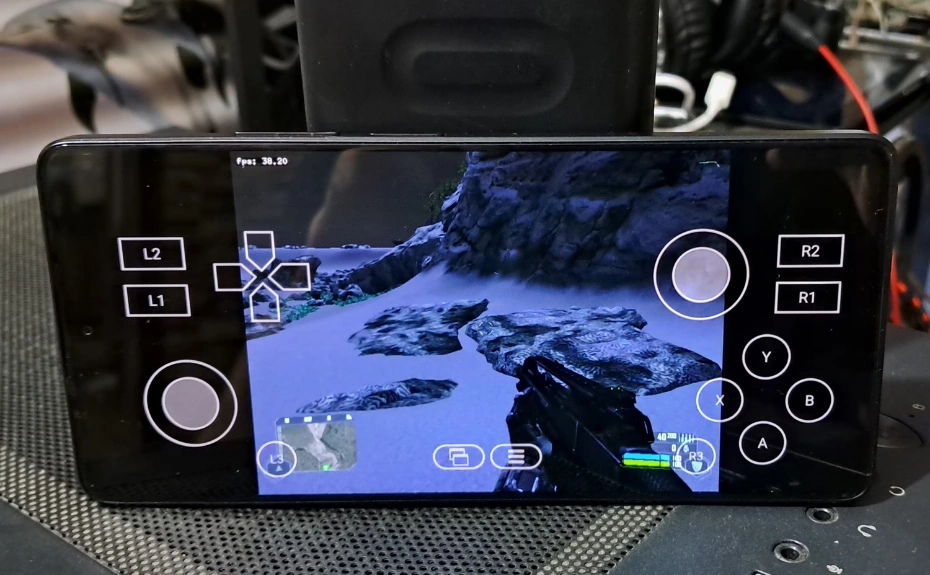
Real-user highlights:
- Easiest container-based setup; create profiles for different games in minutes.
- Strong DirectX 9-12 support via DXVK/VKD3D; runs classics like CoD4, NFS Most Wanted flawlessly.
- Forks like Winlator Frost excel in compatibility (e.g., older games like Overlord, Fable).
- Frequent updates fix Mali/Adreno issues progressively.
- Limitations: Can stutter on shader-heavy scenes until cache builds; less raw power than Mobox.
- Best for: Most Snapdragon users (mid-high end); balanced daily driver.
- Download: Official GitHub (brunodev85/winlator) + forks (Download in one place).
4. Horizon Emulator – Solid for Specific Titles
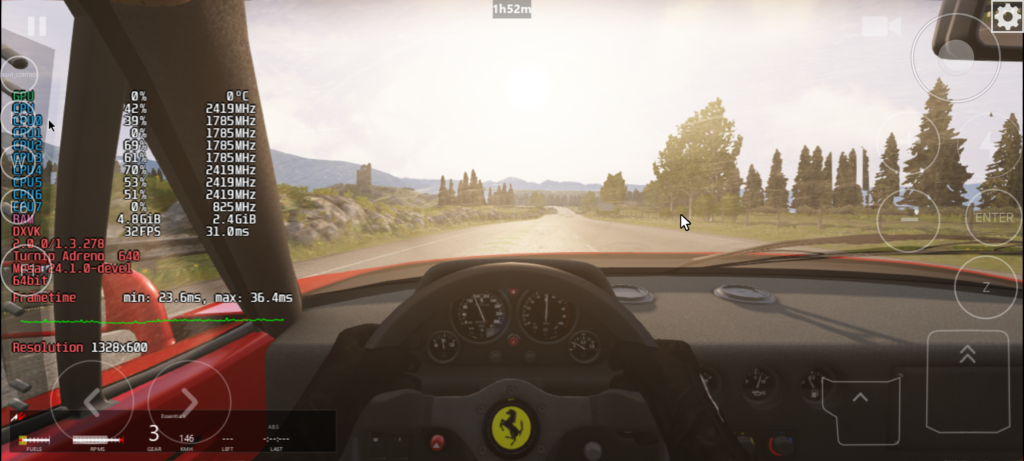
Horizon gets consistent nods for stability in certain games where others falter, though setup can be fiddly.
User favorites:
- Surprisingly good CPU utilization on some SoCs; handles 2D/indie games effortlessly.
- Reliable fallback for titles that crash in Winlator/Mobox.
- Lightweight; runs decently on older Snapdragon 8xx series.
- Cons: Buggy on newer hardware; lacks Winlator’s polish.
- Best for: Testing stubborn games; lighter workloads.
- Download: Community sources (check recent YouTube/Reddit guides).
5. Exagear (Strategies/RPG Focus) – Niche Pick for Classics
Exagear remains popular for its mature ecosystem around strategy games and older RPGs, despite being older tech.
Why it persists:
- Input Bridge tool enables precise controls for RTS/mouse-heavy games (e.g., Age of Empires).
- Surprisingly playable FPS on some older Snapdragon 8xx (better than Winlator in isolated tests).
- Huge mod community for custom Wine configs.
- Downsides: Complex setup requires “PhD-level” knowledge; sketchy sources abound.
- Best for: Strategy fans; users with tinkering experience.
- Download: Verified mod packs (avoid untrusted APKs).
Quick Comparison Table
| Emulator | Ease of Use | Performance (Snapdragon) | Compatibility | Best Games | Hardware Fit |
|---|---|---|---|---|---|
| GameHub | ⭐⭐⭐⭐⭐ | ⭐⭐⭐⭐ | ⭐⭐⭐⭐ | Steam AAA, GTA V | Flagships |
| Mobox | ⭐⭐ | ⭐⭐⭐⭐⭐ | ⭐⭐⭐⭐⭐ | GTA V, NFS, 4K tests | High-end Snapdragon |
| Winlator | ⭐⭐⭐⭐ | ⭐⭐⭐⭐ | ⭐⭐⭐⭐ | Classics + DX9-12 | Mid-high Snapdragon |
| Horizon | ⭐⭐⭐ | ⭐⭐⭐ | ⭐⭐⭐⭐ | Indies, stubborn titles | Mid-range |
| Exagear | ⭐⭐ | ⭐⭐⭐ | ⭐⭐⭐ (RPGs) | Strategies, older FPS | Tinkerers |
Hardware Reality Check
Snapdragon Adreno GPUs rule the roost—most users report 2-3x better results vs Mali/Exynos due to Turnip drivers. Minimum viable spec: Snapdragon 860+ with 6GB RAM. Mali users should stick to lighter emulators or Winlator Mali forks.
Top-tested games across emulators (user-confirmed playable):
GTA V/SA, NFS Most Wanted/Hot Pursuit, CoD4/MW2, Witcher 3 (low settings), Age of Empires II. (source)